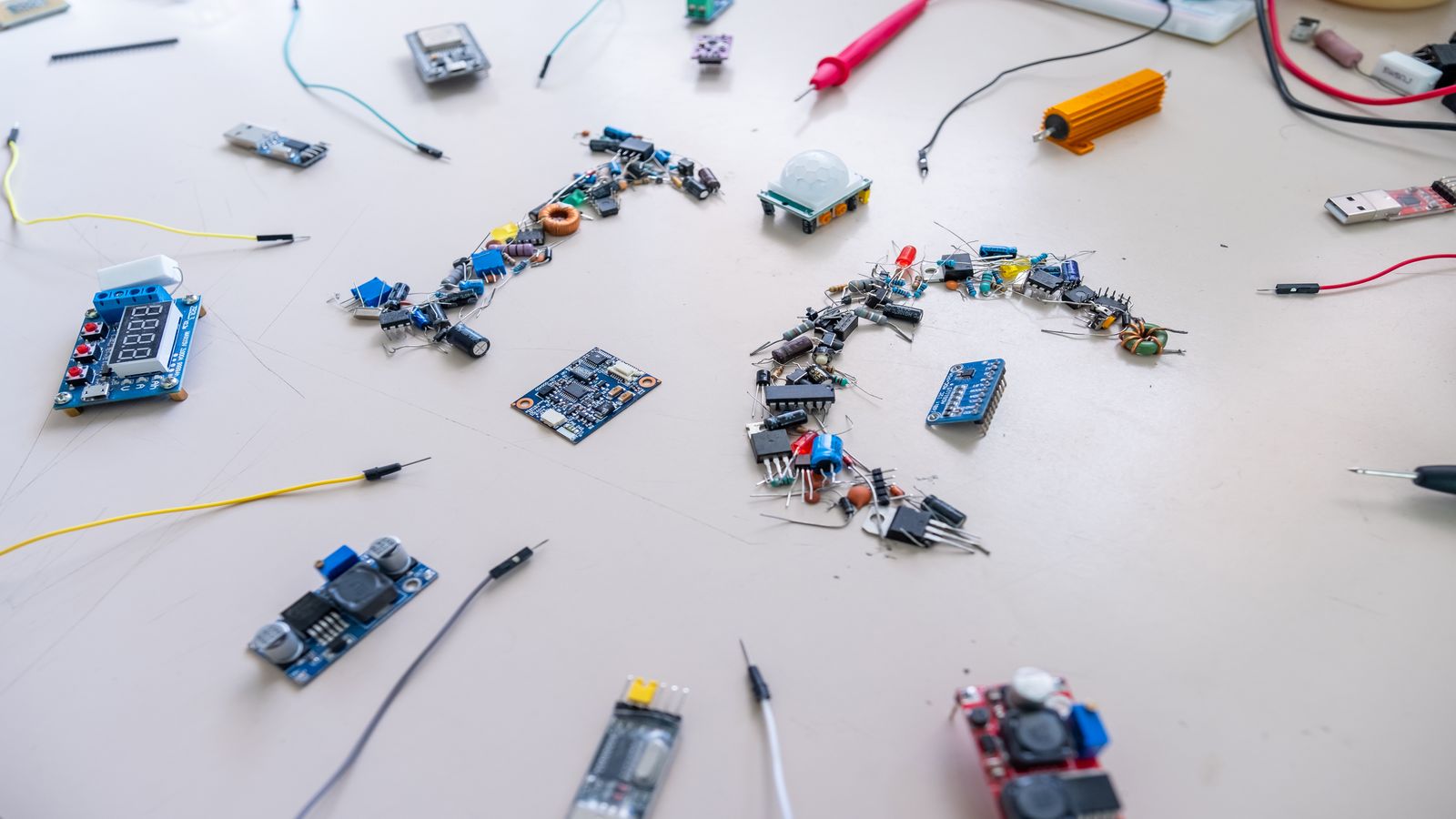
Raspberry Pi Weather Station: Complete Build Guide
Build a complete Raspberry Pi weather station from parts list to live dashboard — covering hardware selection, sensor wiring, software setup, and automated publishing.
Quick Answer
A Raspberry Pi 4 or 5, a BME280 breakout for temperature, humidity, and pressure, plus a set of wind and rain sensors gives you a fully functional weather station for under £150. Pair it with WeeWX for data collection and publishing, and you can have a live dashboard pushing data to your own server and public weather networks within a weekend. This guide in the Tutorials section walks you through every step — from soldering headers to verifying your first uploaded observation.
What This Guide Covers
We will walk through hardware selection and wiring, Raspberry Pi OS configuration, WeeWX installation and driver setup, database storage, web template publishing, and automated data uploads. You will also learn how to share readings with external networks using the same workflows described in our Publishing Fundamentals guide. Along the way, I will flag the mistakes that waste the most time — because I have made all of them.
Prerequisites
- A Raspberry Pi 4 (2 GB RAM minimum) or Pi 5 with a compatible power supply
- A microSD card (32 GB or larger, Class 10 / A2 rated)
- Ethernet cable or reliable Wi-Fi coverage at the station location
- Basic comfort with the Linux command line
- A soldering iron for sensor header pins (or pre-soldered breakout boards)
Parts List
| Component | Purpose | Approximate Cost |
|---|---|---|
| Raspberry Pi 4/5 | Processing and connectivity | £45–70 |
| BME280 breakout | Temperature, humidity, pressure | £8–12 |
| Anemometer + wind vane | Wind speed and direction | £25–40 |
| Tipping-bucket rain gauge | Precipitation | £15–25 |
| Stevenson screen / radiation shield | Protect temperature sensor from solar radiation | £15–30 |
| Waterproof enclosure (IP65) | House the Pi and wiring | £10–15 |
| Jumper wires, breadboard, terminal blocks | Connections | £5–10 |
| microSD card (32 GB A2) | OS and data storage | £8 |
Total: approximately £130–210 depending on sensor quality and whether you already have a Pi.
Step 1: Prepare the Raspberry Pi
Flash Raspberry Pi OS Lite (64-bit) to the microSD card using the Raspberry Pi Imager. Enable SSH in the imager's advanced settings so you can work headless from the start. Set a hostname like weather-pi, configure your Wi-Fi credentials, and set a strong password.
Boot the Pi, SSH in, and run the standard update cycle:
sudo apt update && sudo apt upgrade -y
Install the packages you will need later:
sudo apt install -y python3-pip python3-venv git i2c-tools
Enable the I2C interface for the BME280 sensor:
sudo raspi-config nonint do_i2c 0
Reboot once after enabling I2C.
Step 2: Wire the BME280 Sensor
The BME280 communicates over I2C. Connect it to the Pi's GPIO header:
- VIN → Pi pin 1 (3.3 V)
- GND → Pi pin 6 (Ground)
- SCL → Pi pin 5 (GPIO 3 / SCL)
- SDA → Pi pin 3 (GPIO 2 / SDA)
Verify the connection with i2cdetect:
sudo i2cdetect -y 1
You should see address 0x76 or 0x77 appear in the grid. If the grid is empty, check your wiring and solder joints. Loose header pins are the single most common hardware issue at this stage.
Step 3: Connect Wind and Rain Sensors
Most hobby-grade anemometers and rain gauges use reed switch outputs — they close a circuit briefly for each rotation or tip. Connect these to GPIO pins configured as inputs with internal pull-up resistors. A typical configuration:
- Anemometer signal → GPIO 17, ground → GND
- Wind vane (if analog) → requires an ADC like the ADS1115 on I2C
- Rain gauge signal → GPIO 27, ground → GND
For the wind vane, the most common design uses a resistor network that produces different voltages for each compass direction. An ADS1115 analog-to-digital converter on the same I2C bus reads these voltages and maps them to headings.
Step 4: Install and Configure WeeWX
WeeWX is the most mature open-source weather station software for Linux. Install it:
sudo apt install -y python3-venv
python3 -m venv ~/weewx-venv
source ~/weewx-venv/bin/activate
pip install weewx
Run the initial configuration:
weectl station create
This generates ~/weewx-data/weewx.conf. Edit the configuration to match your hardware:
- Set
station_typeto your driver (for the BME280 + GPIO approach, you will likely use a community driver or write a lightweight custom driver) - Set your station location (latitude, longitude, altitude)
- Configure units (metric or imperial)
For a pure I2C/GPIO station, the weewx-sdr or weewx-interceptor drivers may apply if you later add wireless sensors. For direct GPIO, the weewx-gpio community extension works well.
Step 5: Database and Storage
WeeWX stores observations in a SQLite database by default at ~/weewx-data/archive/weewx.sdb. This is fine for most stations. If you want more advanced querying, you can switch to MySQL/MariaDB, but SQLite handles years of five-minute observations without issue.
Important: SD card longevity is a real concern. WeeWX writes to the database every archive interval (typically five minutes). Over months, this can wear out cheap SD cards. Mitigate this by:
- Using a high-endurance SD card (designed for dashcams)
- Moving the database to a USB SSD (even a small 32 GB one adds years of life)
- Running
fstrimperiodically if using an SSD
I have run a Pi-based station for three years on a Samsung Endurance card without issues, but I have also seen generic cards fail within six months under the same workload.
Step 6: Web Dashboard and Publishing
WeeWX generates HTML pages from templates using its built-in cheetah template engine. The default skin produces a functional dashboard. To publish:
- Configure the
[StdReport]section inweewx.confwith your FTP server details - Set the upload interval (matching your archive interval is usually sensible)
- Enable the FTP uploader in
[StdRESTful]
For FTP troubleshooting, the FTP Publishing Guide covers passive mode, permission errors, and timeout diagnostics. If your images appear stale to visitors despite successful uploads, the Image Refresh and Caching guide explains cache-busting techniques.
Step 7: Publish to Weather Networks
WeeWX supports direct publishing to Weather Underground, PWSweather, CWOP, and others via built-in RESTful services. In weewx.conf, enable the relevant section and add your station ID and API key. For details on registering with these networks, see our data sharing guide.
Common Mistakes
- SD card corruption from power loss. Always use a UPS or clean shutdown mechanism. A sudden power cut during a database write can corrupt the SQLite file.
- Temperature sensor in direct sunlight. Without a radiation shield, your temperature readings will be several degrees too high on sunny days. This is the number one data quality complaint from Pi station builders.
- Wi-Fi drops killing uploads. If the Pi loses Wi-Fi for more than a few archive intervals, WeeWX queues the data and uploads it when connectivity returns — but only if the backlog does not grow too large. Consider ethernet for reliability.
- Not setting the correct altitude. Pressure calculations depend on your station elevation above sea level. An incorrect altitude setting produces pressure readings that diverge from nearby official stations.
- Ignoring log files. WeeWX logs to syslog by default. Check
/var/log/syslogorjournalctl -u weewxregularly. Most problems announce themselves clearly in the logs long before you notice them on the dashboard.
Related Reading
- Publishing Fundamentals — FTP patterns, templates, scheduling
- Station Data Sanity Checks — validating your readings
- Community Support — troubleshooting patterns
- Grafana Dashboard Guide — visualise your data beyond the default WeeWX skin
- MQTT and Home Assistant Integration — connect your station to home automation
FAQ
Can I use a Raspberry Pi Zero instead? Technically yes, but the Zero's single-core processor and limited RAM make WeeWX sluggish, especially with multiple skins and RESTful uploaders running. A Pi 4 with 2 GB is the practical minimum for a smooth experience.
How long will the SD card last? With a high-endurance card and five-minute archive intervals, expect two to four years. Moving the database to a USB drive effectively eliminates SD card wear as a concern.
Do I need a real-time clock module? If the Pi has network access, NTP keeps the clock accurate enough for weather observations. For offline or off-grid deployments, a DS3231 RTC module (about £3) ensures accurate timestamps between boots.
Can I run GraphWeather instead of WeeWX? GraphWeather's desktop application is Windows-based. On a Pi, you would use the PHP server-side tools or run the desktop app via Wine or Docker. WeeWX is the more native choice for Linux-based Pi stations.